
How Does a Smart Lock Works? A Simple Guide to Keyless Security for Modern Homes
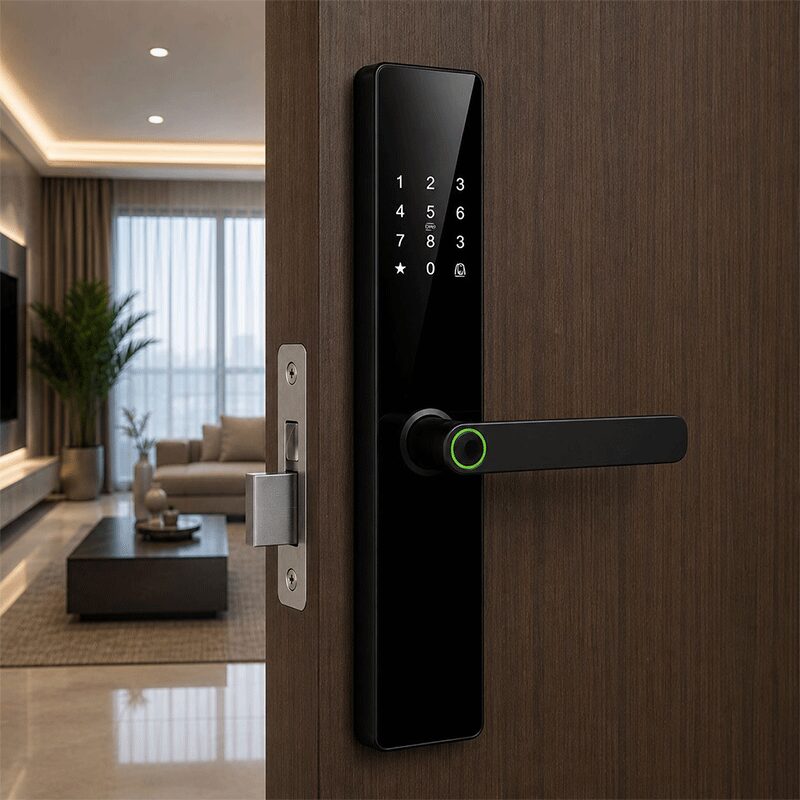
Smart locks are a modern way to secure your home, condo, office, or rental property without relying only on traditional keys. Instead of using just one key to unlock the door, a smart lock gives you several access options such as fingerprint scanning, PIN codes, RFID cards, mobile app control, and even backup keys.
In simple terms, a smart lock works by verifying an authorized user and then unlocking the door electronically. Once a valid fingerprint, code, card, or phone command is detected, the lock releases and allows the door to open.
What Is a Smart Lock?
A smart lock is an electronic locking system that replaces or upgrades a traditional door lock. Instead of depending only on a physical key, it allows you to unlock the door using digital or biometric access methods.
Depending on the model, a smart lock may allow entry through:
- fingerprint access
- PIN or passcode entry
- RFID card or key tag
- mobile phone app
- Bluetooth or Wi-Fi connection
- mechanical key backup
Some smart locks also include extra features such as remote unlocking, access logs, auto-lock functions, temporary passcodes, and integration with other smart home systems.
Common Ways to Unlock a Smart Lock
1. Unlocking with Your Fingerprint
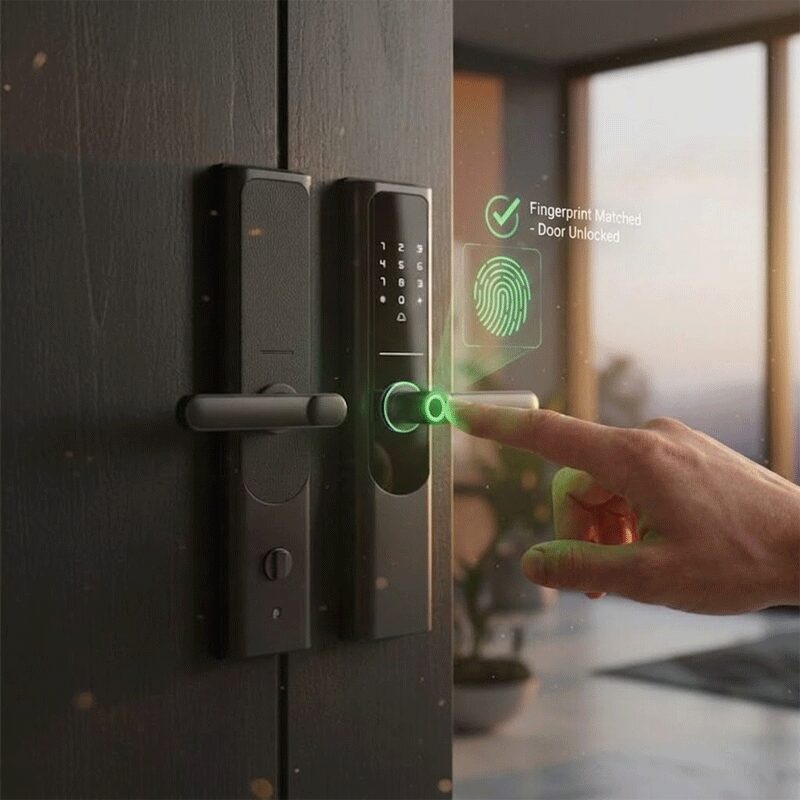
Fingerprint access is one of the most popular smart lock features because it is quick, convenient, and easy to use. You simply place your registered finger on the scanner, and if it matches the stored fingerprint data, the lock opens.
This is useful for:
- homeowners who want fast everyday access
- family members who don’t want to carry keys
- offices or rental spaces that want simple user access
- users who prefer a more secure and personal unlocking method
Because your fingerprint is unique, it adds a practical layer of convenience while helping reduce the need for physical keys.
2. Unlocking with a PIN Code or Passcode
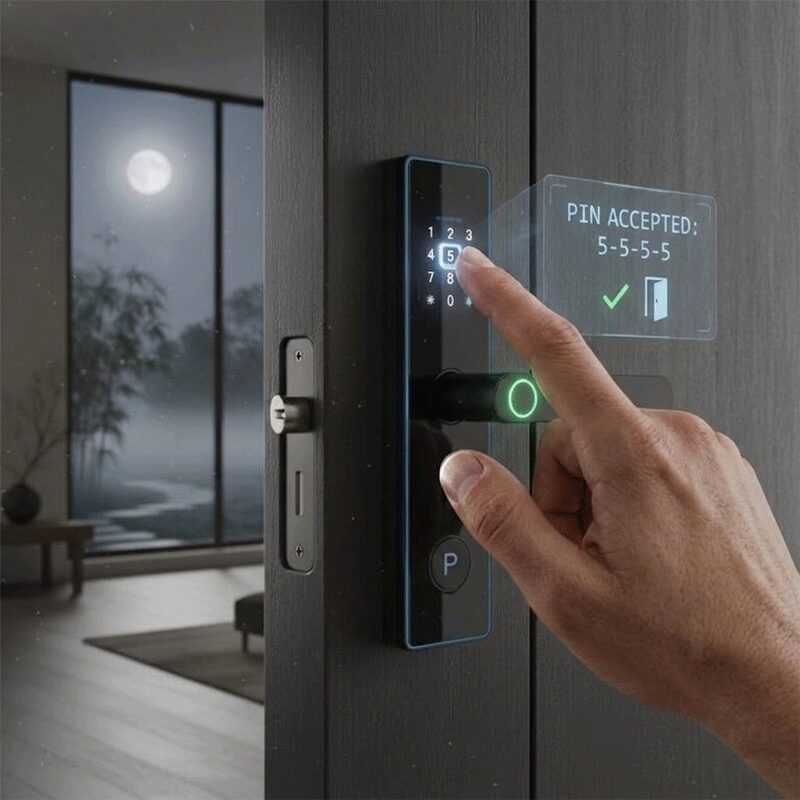
Most smart locks also allow access through a numeric passcode entered on a keypad or touchscreen panel. Once the correct code is entered, the lock opens.
This method is especially useful for:
- family members
- guests staying temporarily
- house helpers or staff
- rental unit occupants
- backup access when a phone or card is not available
Some smart locks even allow multiple passcodes, so different users can have their own code depending on the system.
3. Unlocking with Your Phone
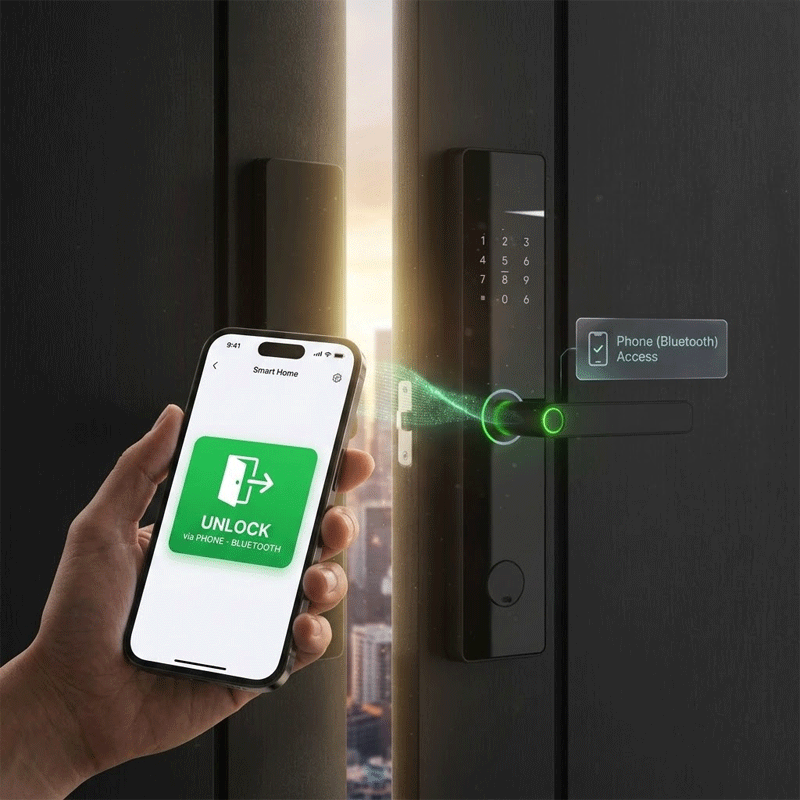
One of the biggest reasons many people choose a smart lock is the ability to unlock the door using a mobile phone. Depending on the lock model, this can happen through Bluetooth, Wi-Fi, or a dedicated mobile app.
With phone access, you may be able to:
- unlock the door when you’re nearby using Bluetooth
- use an app to manage access settings
- check lock status from your phone
- send or manage temporary access for other users
- unlock the door remotely on supported models
This can be very useful if you arrive home with your hands full, want to let someone in without handing over a key, or simply prefer using your phone as part of your home setup.
4. Unlocking with RFID Card or Key Tag
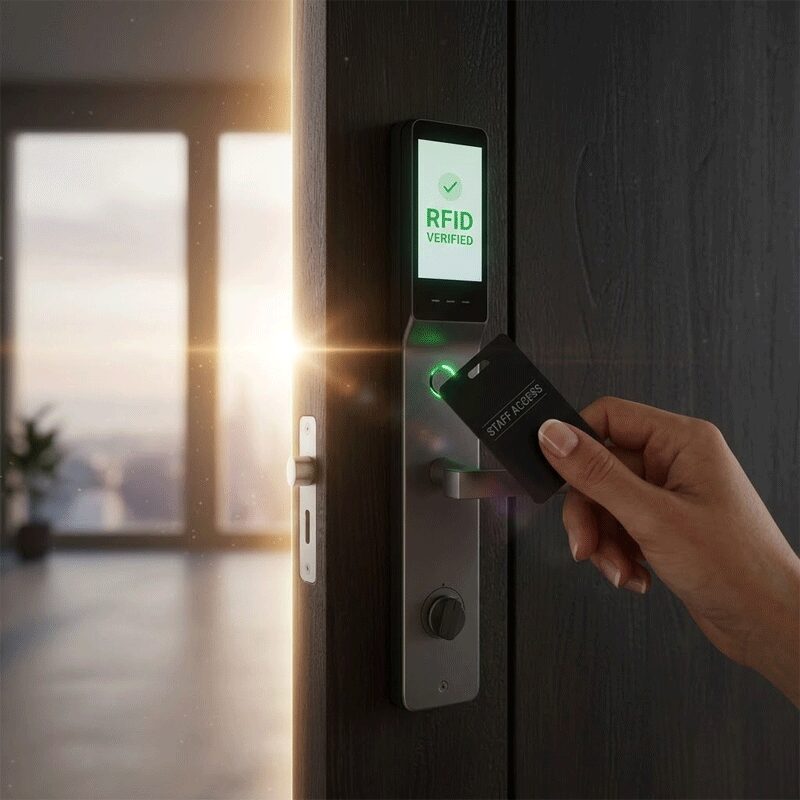
Some smart locks also support RFID cards, access cards, or key tags. To unlock the door, you simply tap or place the card near the reader, and the lock verifies it before opening.
This type of access is commonly used in:
- homes with multiple users
- offices and staff access doors
- condominium units
- rental properties or serviced apartments
RFID access is a convenient option for users who prefer something quick and simple without using a phone or entering a code.
5. Backup Mechanical Key Access
Even though smart locks are designed for keyless convenience, many models still include a mechanical key backup. This provides an extra layer of practicality in case of low battery, system error, or if a user simply prefers having a traditional emergency option available.
A backup key is not the main feature of a smart lock, but it can be a useful safeguard when needed.
Can a Smart Lock Use More Than One Access Method?
Yes. In fact, one of the best things about smart locks is that many models are designed to support multiple unlocking methods in one device.
For example, a single smart lock may allow:
- fingerprint access for the homeowner
- passcode access for family members
- RFID card access for staff or regular users
- app control for remote management
- a backup key for emergencies
This flexibility is what makes smart locks useful for different types of households and properties. Instead of everyone relying on the same key, each user can have a more convenient way to enter.
Final Thoughts on Smart Lock Works
A smart lock works by using electronic access methods—such as fingerprint scanning, PIN codes, RFID cards, and mobile phone control—to verify authorized users and unlock the door. Instead of depending on a single physical key, it gives you several ways to access your home or property in a faster and more convenient way.
Whether you prefer using your phone to unlock the door, your fingerprint for quick entry, or a passcode or RFID card for shared access, a smart lock can make daily life easier while helping modernize your home security setup.
If you’re considering upgrading your door hardware, understanding how a smart lock works is the first step toward choosing a system that fits your home, your lifestyle, and the way you want to manage access.
- Worldwide Tile Depot – Cor. V. Mapa Tionko Ave., Davao City
- Worldwide Tile Depot – A.S. Fortuna Street, Mandaue City
- Worldwide Home Depot – N. Bacalso Avenue, Cebu City
- Worldwide Home Depot – Tangasan Valladolid Carcar, Cebu City
